Redeeming Loyalty Points - Subscriptions
How To Redeem
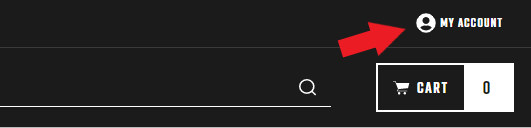
- At the top right of the screen, click "My Account".
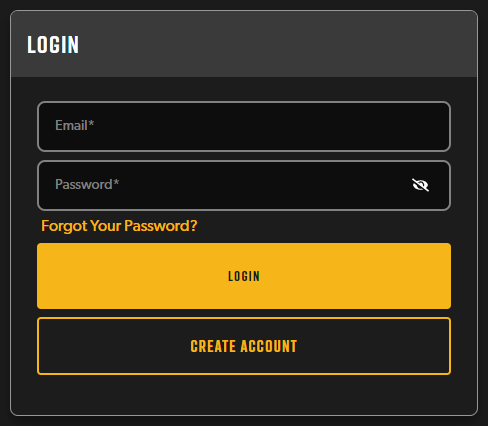
- Enter the email address and password associated with your subscription account and click Log In. If you have any issues with this, please see Why can't I log in to my account on your website?
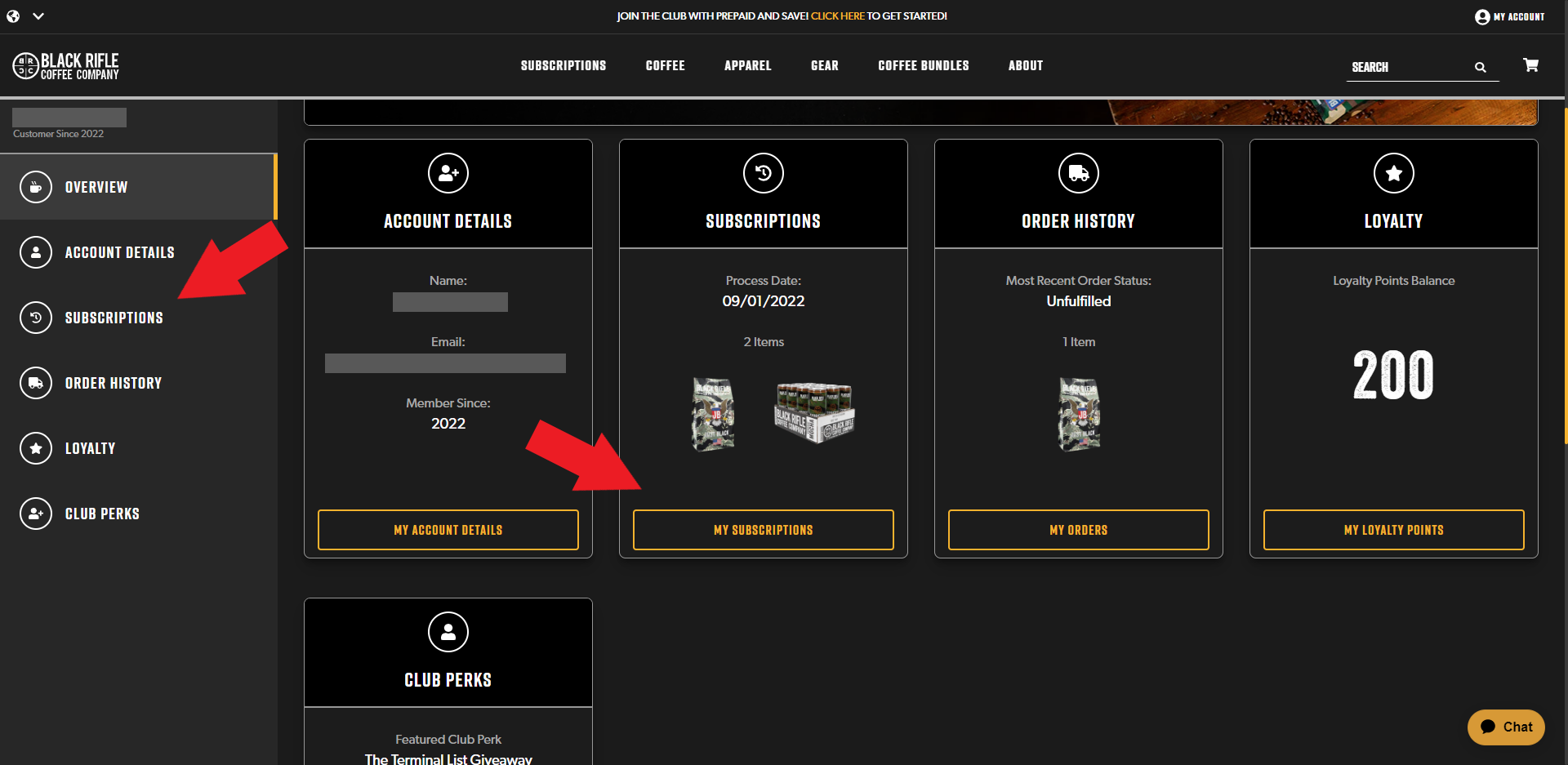
- On the left side of the page, you will see a list of items that will take you to different areas of your account. Click on "Subscriptions" to be taken to a page where you can manage all of your active and inactive subscriptions. You can also click on the "My Subscriptions" button in the Subscriptions tile located in the main portion of your screen.
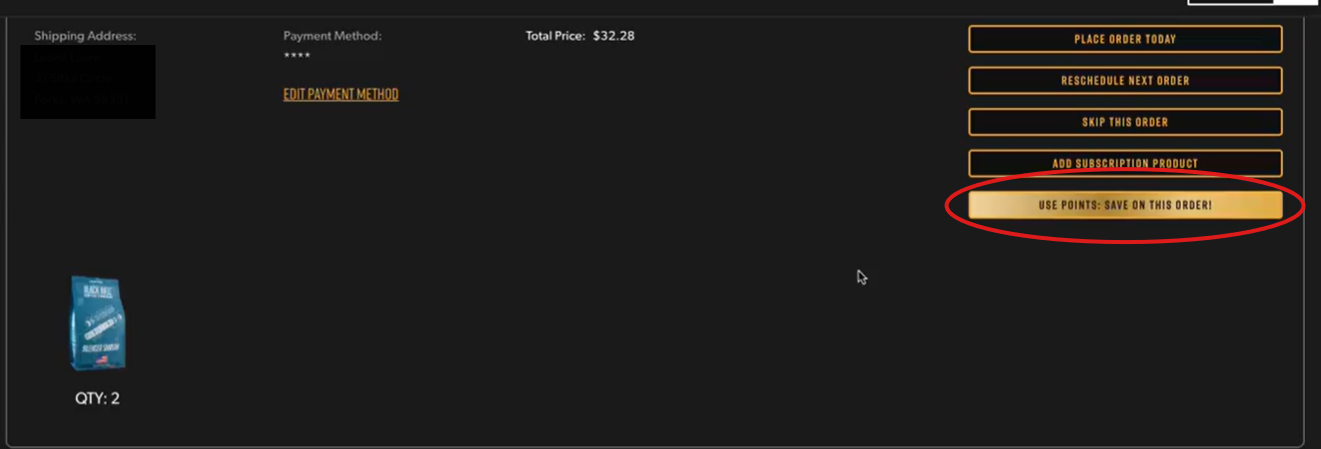
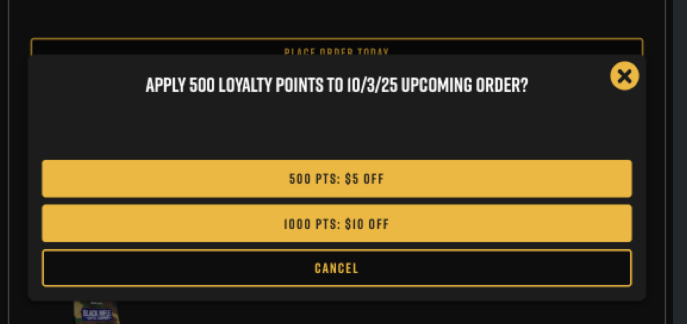
- Click on the "Use Points: $5 off this order" or "Use Points: $10 off this order" button to apply these points to your next order
If you are accessing your account on your mobile phone, scroll down to Subscriptions and tap on the "My Subscriptions" button.
Here you will see your subscription details and the subscription that is scheduled to be processed next.
Click on the "Use Points: Save on this order" button
Disclaimer
- Each discount will need to be manually added to each order - this is not a recurring discount
- Applying loyalty points is not applicable to Shirt, Sticker, or ECS subscriptions
